
Workspace Setup & Configuration
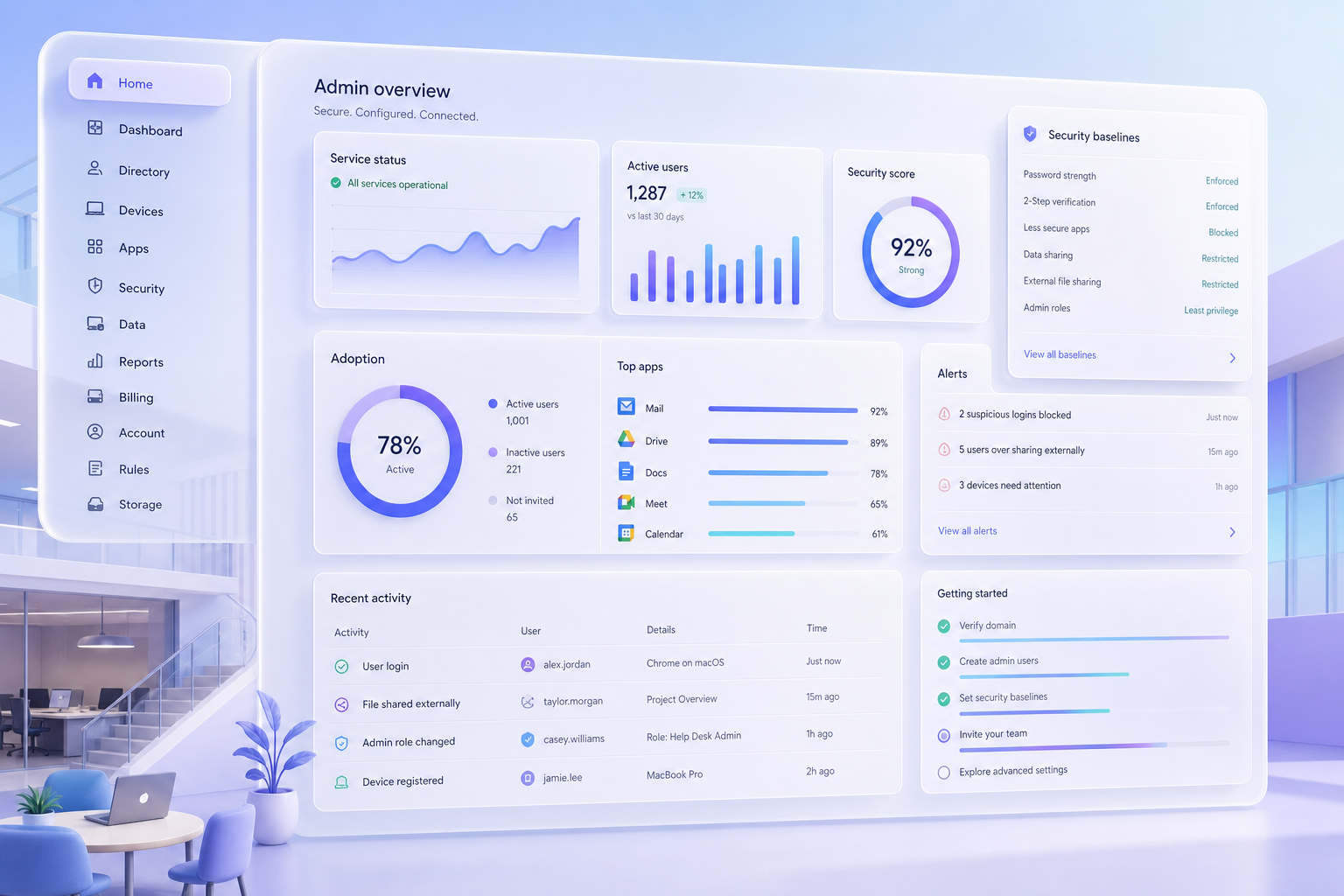
Domain verification, user provisioning, security policies, organizational units, and admin console configuration. Everything set up correctly from day one.
Quantum Infoway
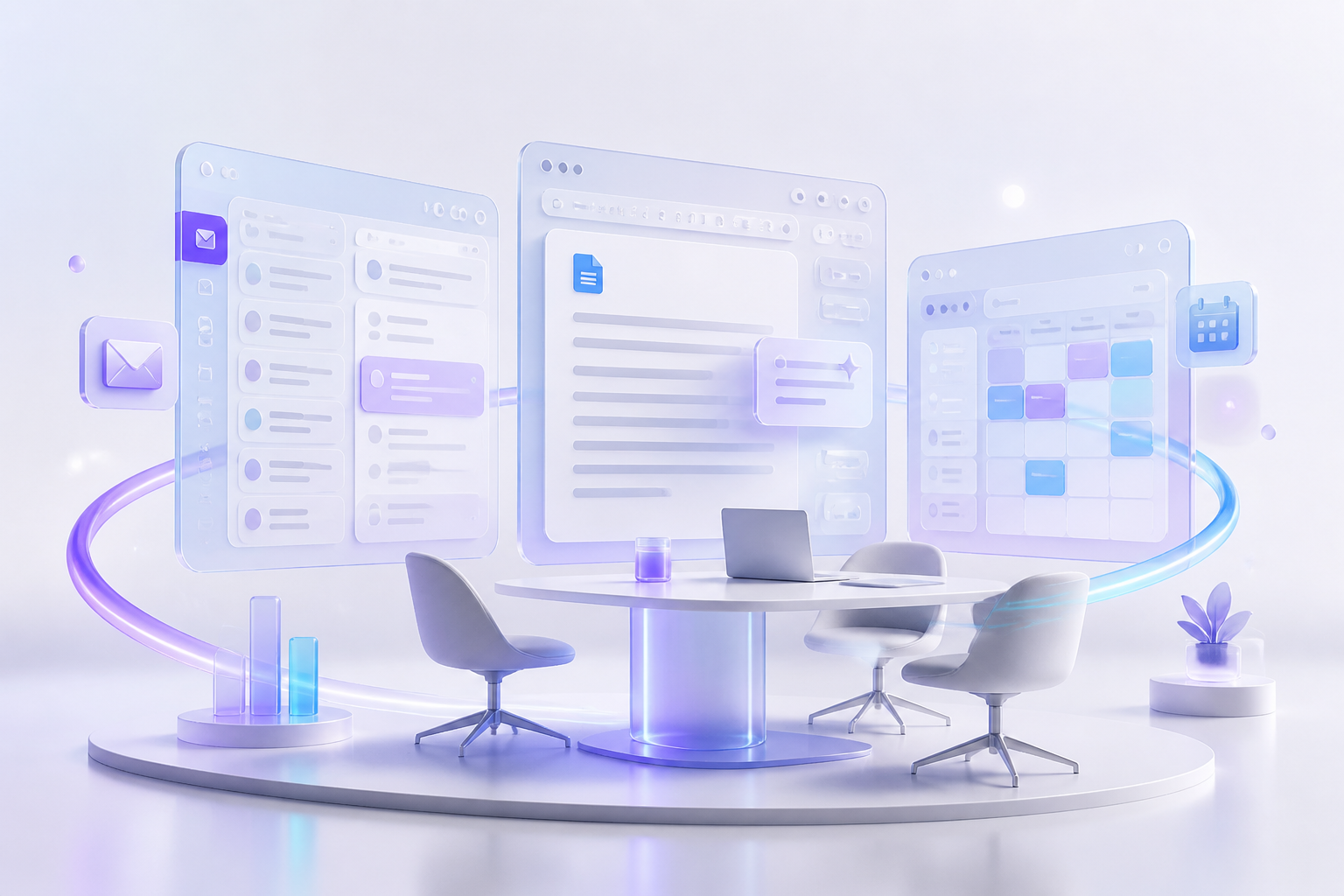
Quantum Infoway is an official Google Workspace partner that sets up, migrates, and secures the AI workspace your team already knows. Gmail, Docs, Meet, and Drive with Gemini built in, configured for security, compliance, and real daily adoption.
Quantum Infoway is an official Google Workspace partner that sets up, migrates, and secures the AI workspace your team already knows. Gmail, Docs, Meet, and Drive with Gemini built in, configured for security, compliance, and real daily adoption.
Domain verification, user provisioning, security policies, organizational units, and admin console configuration. Everything set up correctly from day one.

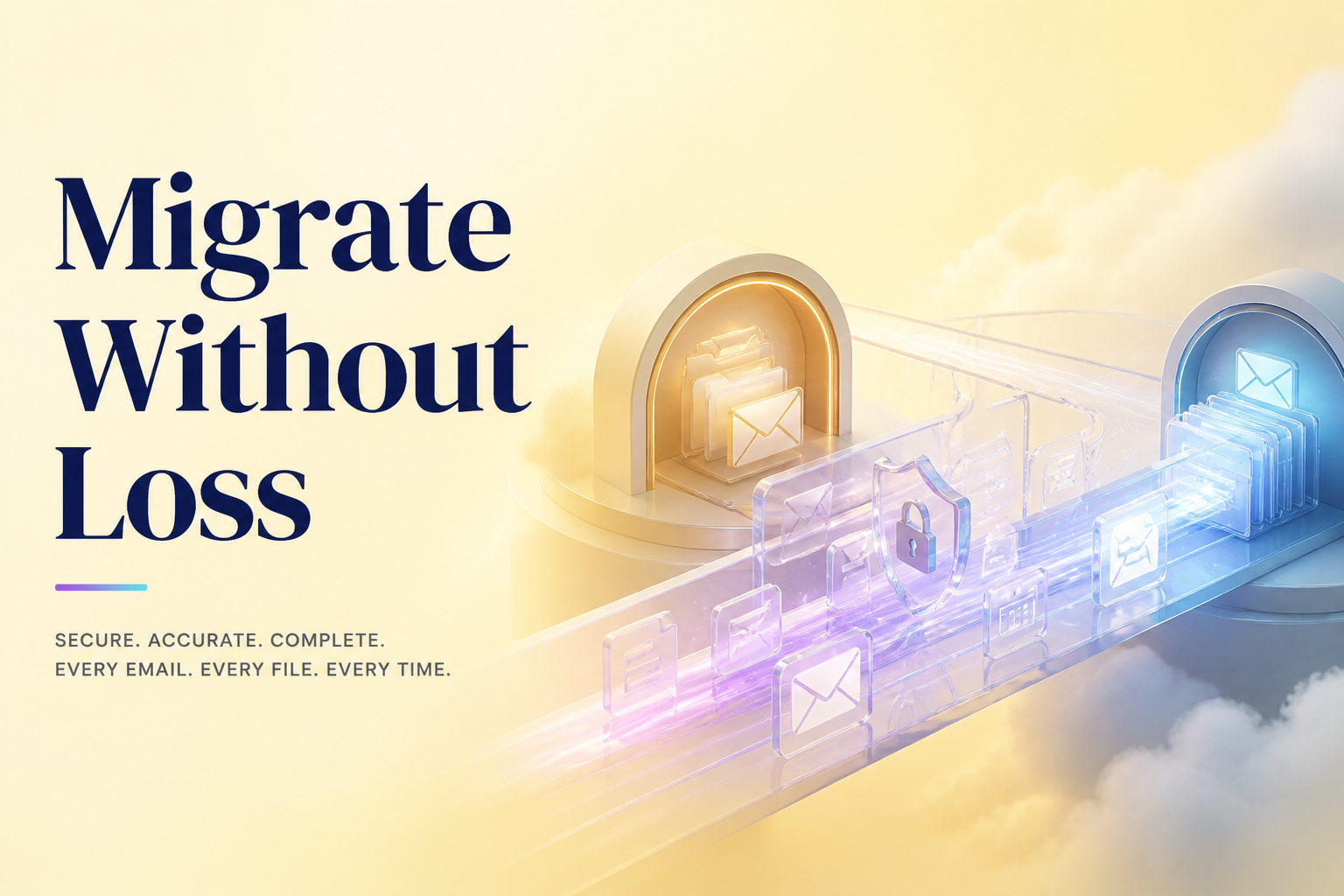
Migrate from Microsoft 365, on premise Exchange, or any email provider. Zero data loss, minimal downtime, and complete mailbox, calendar, and contacts transfer.

Two factor authentication, endpoint management, data loss prevention (DLP), advanced phishing protection, and compliance configurations for regulated industries.

Role based training for your team. From basic Gmail and Drive usage to advanced Sheets, AppSheet, and Gemini AI features. Hands on workshops, not slide decks.

Build custom workflows using AppSheet, Google Apps Script, and third party integrations. Automate approvals, data collection, and reporting within your Workspace.

Ongoing technical support, usage analytics, feature update notifications, and quarterly reviews to ensure you are getting maximum value from your Workspace subscription.
Tell Quantum Infoway about your workflow — we will propose a scoped next step.


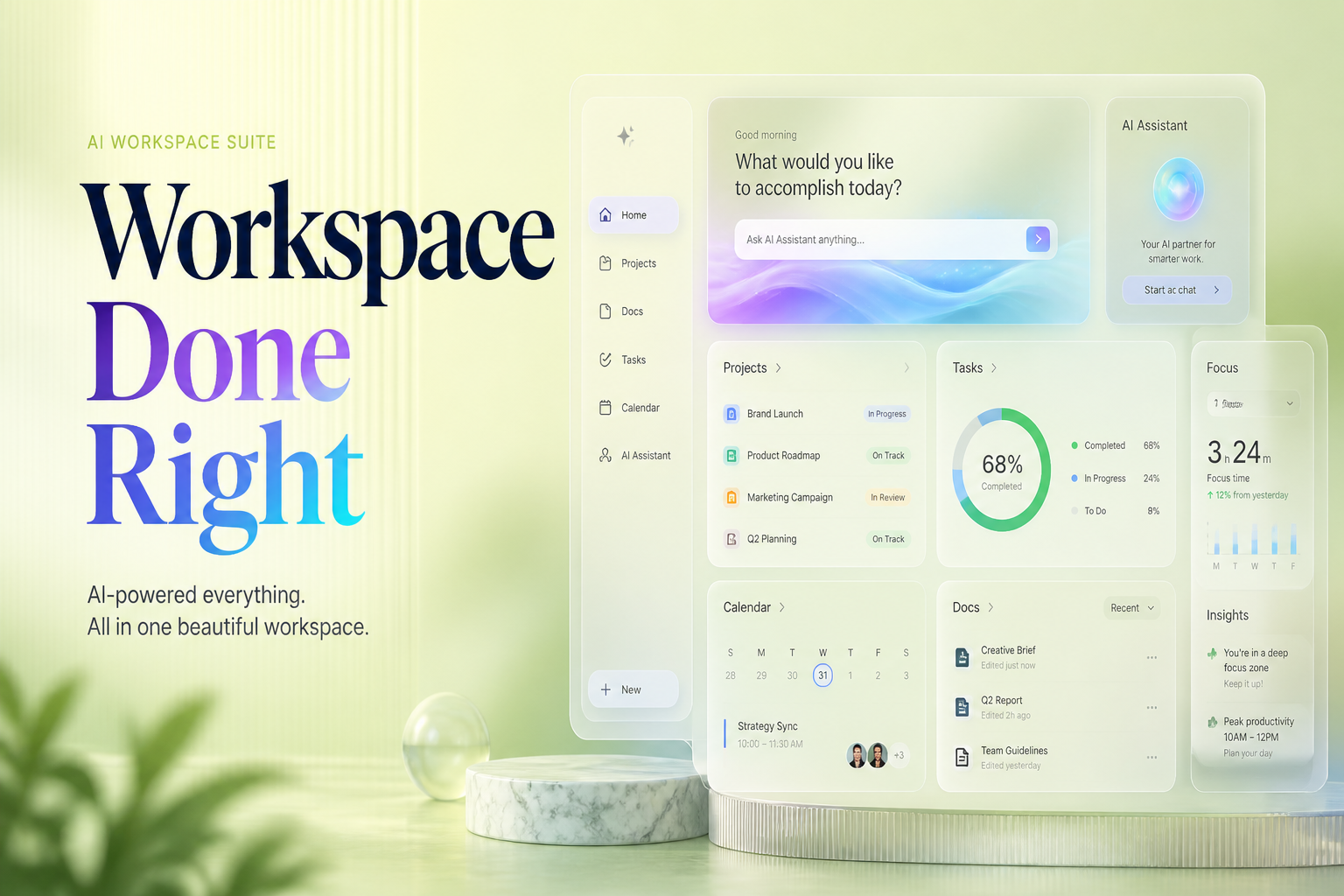
An AI workspace should include eight features. AI writing help inside email and documents, meeting assistance that records and summarizes calls, smart search that answers questions across your files, data analysis from plain language prompts, workflow automation for repetitive tasks, research assistance grounded in your own documents, image and video generation, and admin controls for security and data governance. Google Workspace with Gemini delivers all eight inside the apps your team already opens every day.
An AI workspace is a productivity suite with artificial intelligence built into every app, so the tools your team uses for email, documents, meetings, and storage can also draft text, summarize threads, surface answers, and automate routine work. The difference from a standalone AI chatbot is context. Because the AI lives inside the same apps that hold your email, files, and calendar, it can answer questions about your own work rather than the open internet, with permissions and data governance enforced by the same admin console that manages everything else.
For everyday work, the highest value features are the ones that remove daily repetition. Drafting and replying to email, summarizing long threads and documents, taking meeting notes, organizing files, and pulling quick answers from your own data. In Google Workspace, Help me write handles drafts in Gmail and Docs, Meet takes notes automatically, the Gemini side panel answers questions across Drive, and NotebookLM turns your documents into a research assistant (included from the Standard plan up). None of these require switching to a separate AI tool. Adoption follows convenience. Features that live inside the apps people already open every day get used, and features that need a new tab do not. For a feature by feature walkthrough with usage tips, see our Google Workspace AI features guide.
A Google Workspace consultant plans and runs your Workspace end to end. Choosing the right plan and licensing, domain setup, migrating email and files from Microsoft 365 or any other provider, hardening security and compliance, training your team, and reviewing usage each quarter so you pay for the licenses you actually use. The value is the difference between a rollout that works on day one and a default setup that leaks productivity and security for years.
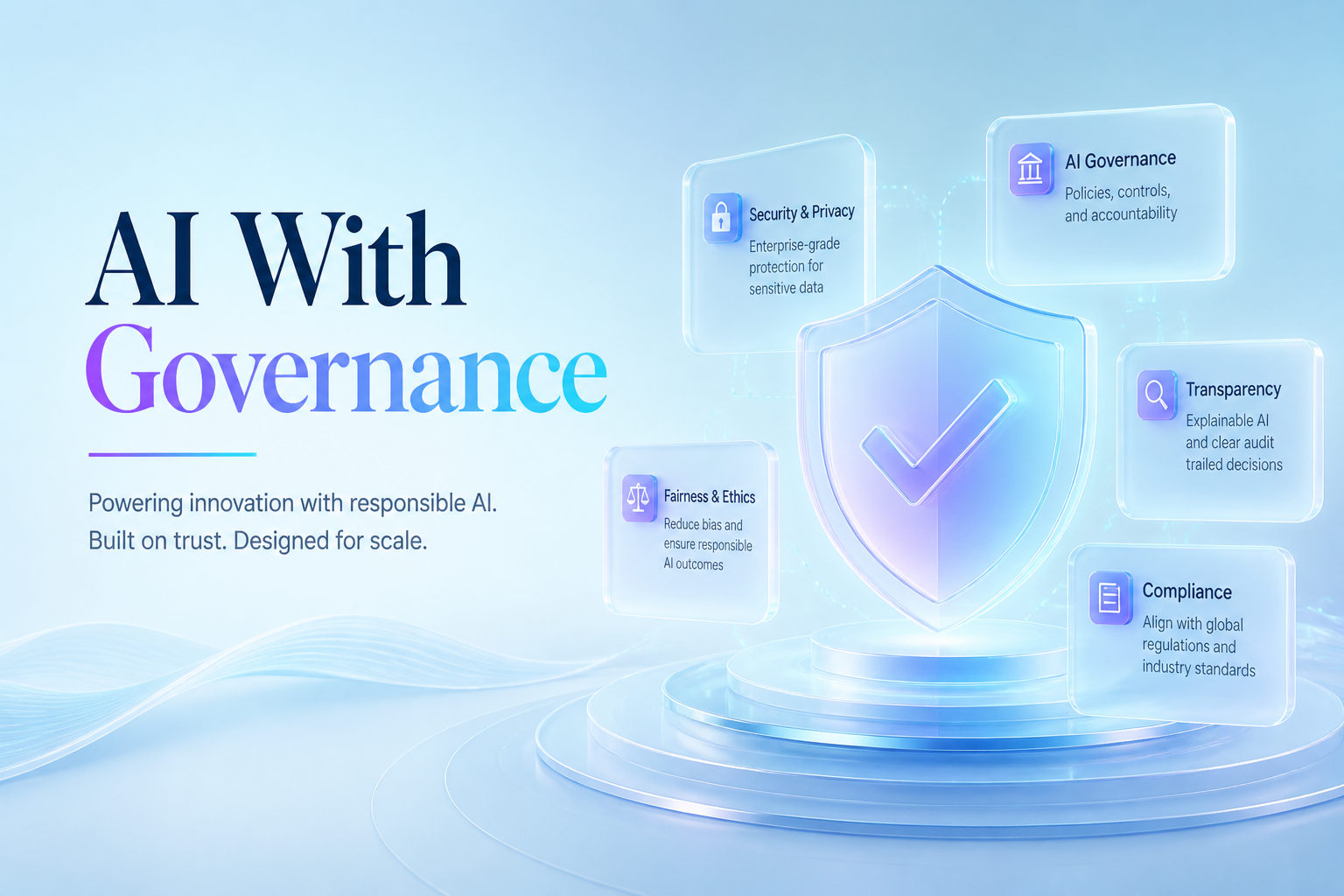
AI features are only safe to roll out when access and data handling are controlled from day one. In Google Workspace that control lives in the Admin console, where administrators decide which users and organizational units get Gemini features, what data sources the AI can reach, and how activity is logged. Data loss prevention rules stop sensitive content such as customer records or financial data from leaving the organization, and Vault handles retention and eDiscovery for regulated teams. Google states that Workspace prompts and responses are not used to train its models outside your organization.
Tell Quantum Infoway about your workflow — we will propose a scoped next step.
Talk to an ExpertWe help private, public, and social business sectors realize their most important goals.
“I've worked with Chetan Thumar and Quantum Infoway for more than four years, and he has become one of the partners I trust most. Chetan has real integrity. He always thinks about what's best for the customer and does the right thing, even when it isn't the easy option. He understands technology deeply, communicates clearly, and delivers reliably, project after project. He provides excellent value while maintaining a high standard of work. I recommend Chetan without hesitation.”
“Quantum Infoway — fantastic agency. Very quick on the job. Great communication. Extremely professional. Posses range too!”
“Fast, reliable, knowledgeable and very responsive to meet my deadlines. I would definitely recommend Quantum Infoway!”
“Quantum Infoway did a good job. Chetan kept on track and was very diligent in getting the job done.”
“I have done several projects with Quantum Infoway — great and very responsive. He did everything I needed and very fast. Highly recommend.”