Spreadsheet-driven scheduling
Services / Operations
Operations Management Web App
Unified scheduling, invoicing, and reporting — replacing spreadsheet chaos with one operations platform.

IndustryServices / Operations
EngagementCustom Operations Web App
DeliveryServices digitalization
TeamProduct, Full-stack, Finance SME
“Schedule. Invoice. Report — one operating rhythm.”
Project Overview
The business context
How the engagement started, what was broken, and why a platform investment was required.
A services company ran scheduling and invoicing through spreadsheets. Managers lacked live utilization and receivables visibility.
A services company was drowning in spreadsheets. We built a unified operations web application that put scheduling, invoicing, payment tracking, and reporting in one role-based platform for staff and management.
Teams gained dashboards, automated invoicing, and exportable insights — cutting manual work and operational cost.
Discovery
Workshops mapped dispatcher, crew, and finance journeys to define a single system of record for jobs, invoices, and payments.
Spreadsheet replacement
Automated invoicing
Role-based UX
Exportable insights
Business Challenge
What was holding the operation back
Scheduling lived in sheets, invoices were rebuilt every month, and managers had no live view of utilization or receivables.
Manual invoicing and follow-ups
No shared source of truth for jobs
Weak visibility into utilization
Payment status scattered across tools
Reporting assembled by hand each week
Our Approach
How Quantum Infoway delivered
A consulting-led build: discover, design operating model, ship vertical slices, harden for audit.
A custom operations web app with role-based access, scheduling boards, automated invoicing, payment tracking, and a reporting suite.
-
01
Role-based dashboards for staff vs management.
-
02
Scheduling boards that replaced spreadsheet calendars.
-
03
Automated invoicing and payment status tracking.
-
04
Exportable reporting for weekly leadership reviews.
Delivery story
Pilot teams ran live jobs on the new app while finance validated invoice templates, then we rolled out company-wide with training packs.
Solution Overview
What we built
Delivered an operations management web app with staff and management dashboards, scheduling, automated invoicing, payment tracking, and exportable reporting.
Integrations
- Email notifications
- Payment status hooks
- Accounting export
- Calendar sync
Security & Governance
- Role-based dashboards
- Segregation of finance actions
- Audit trail
- SSO-ready
Business Workflow
End-to-end lifecycle
Every operational step digitized into a single accountable chain.
- 01 Job / service request
- 02 Schedule & assign
- 03 Work execution
- 04 Time & materials capture
- 05 Invoice generation
- 06 Payment tracking
- 07 Exception handling
- 08 Management reports
Process flow diagram
01
Job / service request
02
Schedule & assign
03
Work execution
04
Time & materials capture
05
Invoice generation
06
Payment tracking
07
Exception handling
08
Management reports
Modules Developed
Platform capability map
Scheduling
- Boards
- Assignments
- Capacity view
Workforce
- Roles
- Staff profiles
- Utilization
Invoicing
- Templates
- Automation
- Reminders
Payments
- Status tracking
- Reconciliation hooks
Reporting
- Ops KPIs
- Exports
- Management packs
Admin
- RBAC
- Audit log
- Settings
User Roles & Journeys
Who uses the platform — and how
Staff
Assigned work and updates
Dispatcher
Scheduling and assignments
Finance
Invoices and payments
Management
Dashboards and reporting
Create job → assign crew → track completion
Generate invoice → track payment → export
Review utilization → clear exceptions → coach teams
Product Experience
Web & admin screens
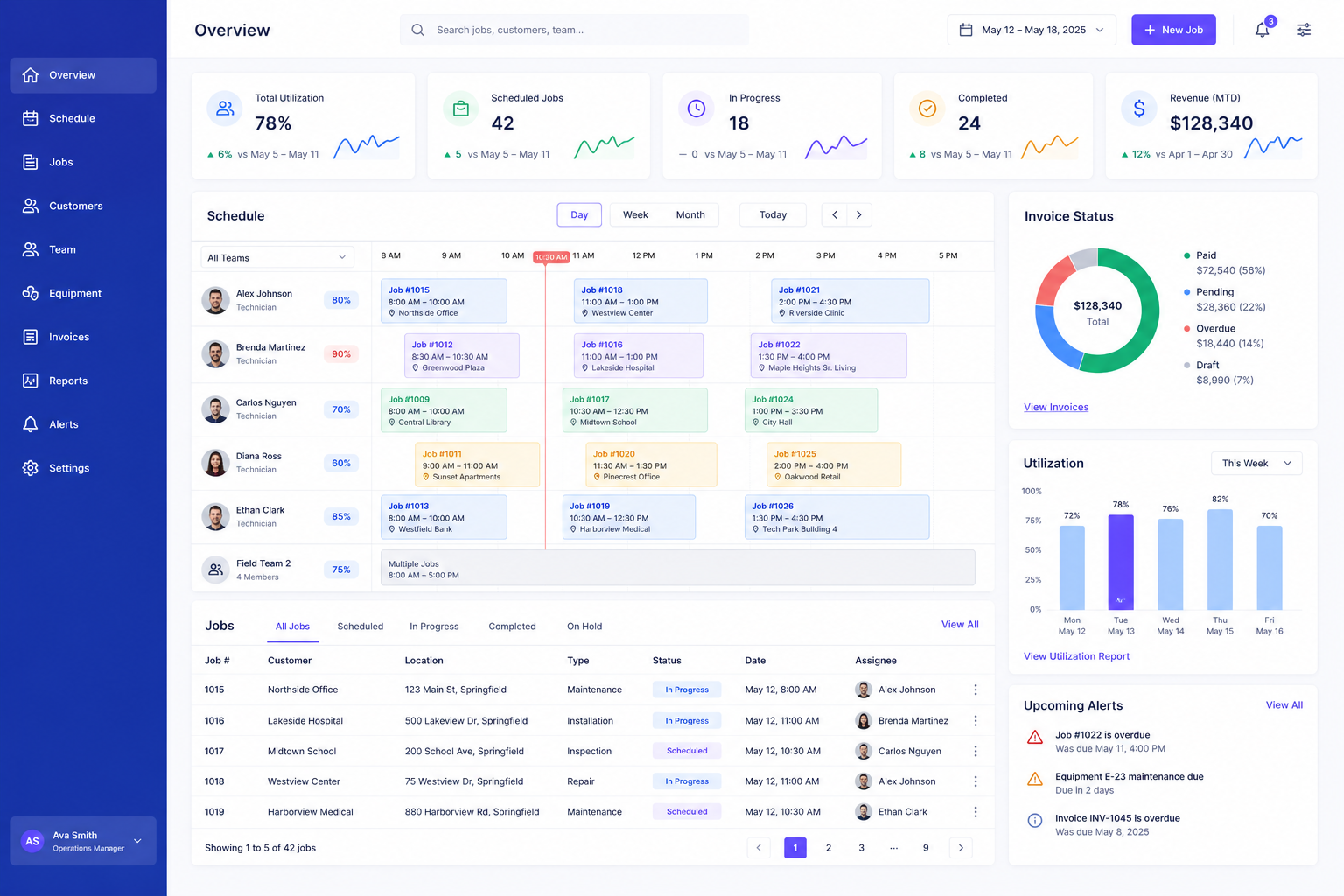
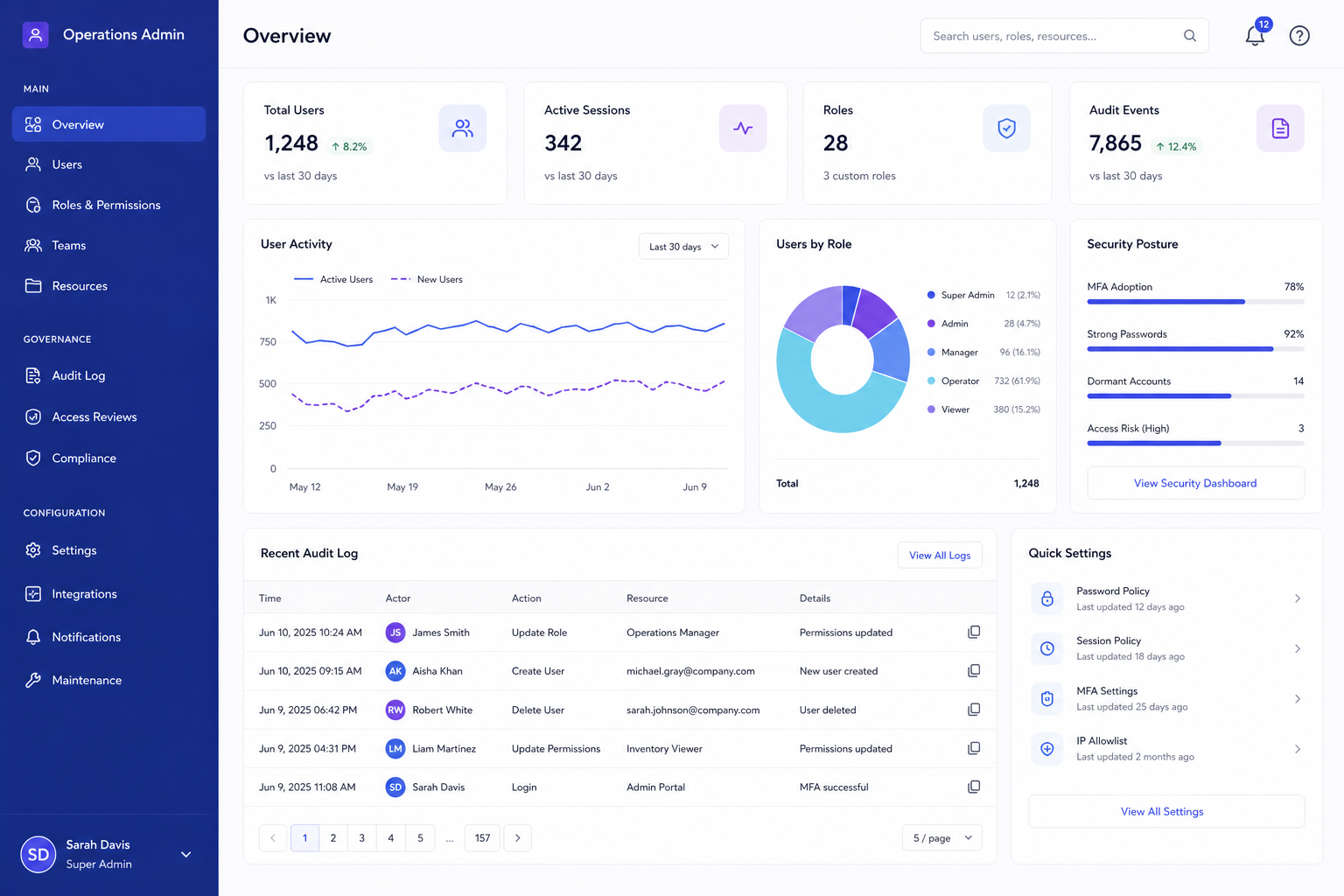
Enterprise UI illustrations representing the operational experience delivered in this engagement.
Web Operations Dashboard
Admin Portal
Technology Stack
Built for enterprise scale
React
Node.js
PostgreSQL
AWS
PDF invoicing
SSO
Business Results
Impact & outcomes
Manual work dropped sharply, costs fell, and users rated the platform highly because daily work finally lived in one place.
Operations software succeeds when it removes spreadsheet gravity — not when it adds another dashboard nobody opens.
60%
Less manual work
30%
Cost reduction
4.9/5
User rating
1
Ops system of record
Less manual work
Lower ops cost
Live management visibility
Faster invoicing cycles
Role-based Dashboards
Scheduling Board
Automated Invoicing
Payment Tracking
Reporting Suite
Audit Log
Future Scope
Roadmap beyond launch
-
01
Field mobile companion
-
02
AI schedule suggestions
-
03
Customer portal
-
04
Deeper ERP sync
Related Solutions
Continue exploring enterprise work

Web Platform
E-Commerce / Retail
E-Commerce Platform
Conversion-focused storefront with custom checkout, inventory sync, and marketing integrations.
Web Platform
Enterprise HR & Finance
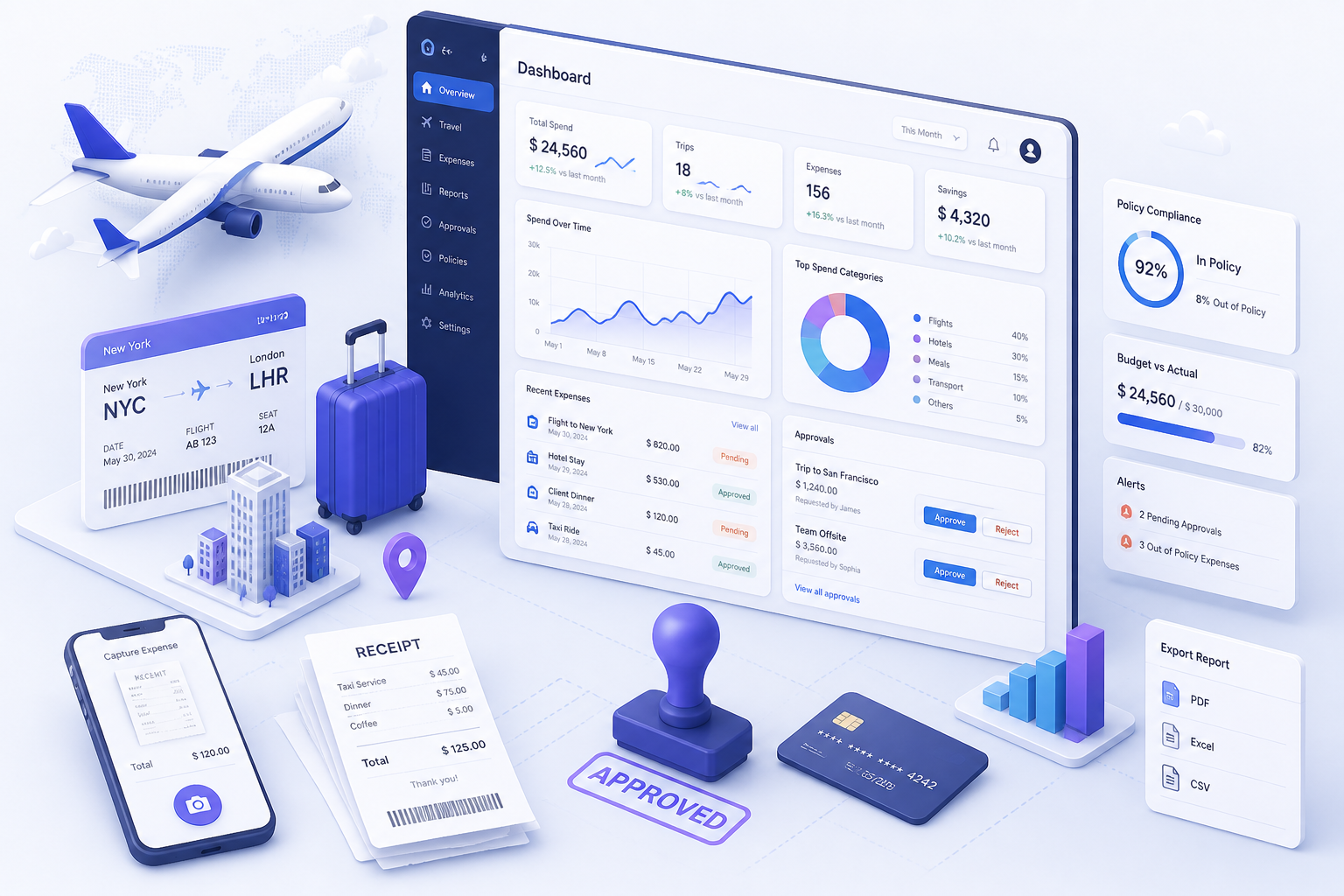
Travel & Expense Management
Travel requests, advances, claims, receipts, and finance reimbursement — fully digital approval chains.
Web Platform
Finance & Procurement
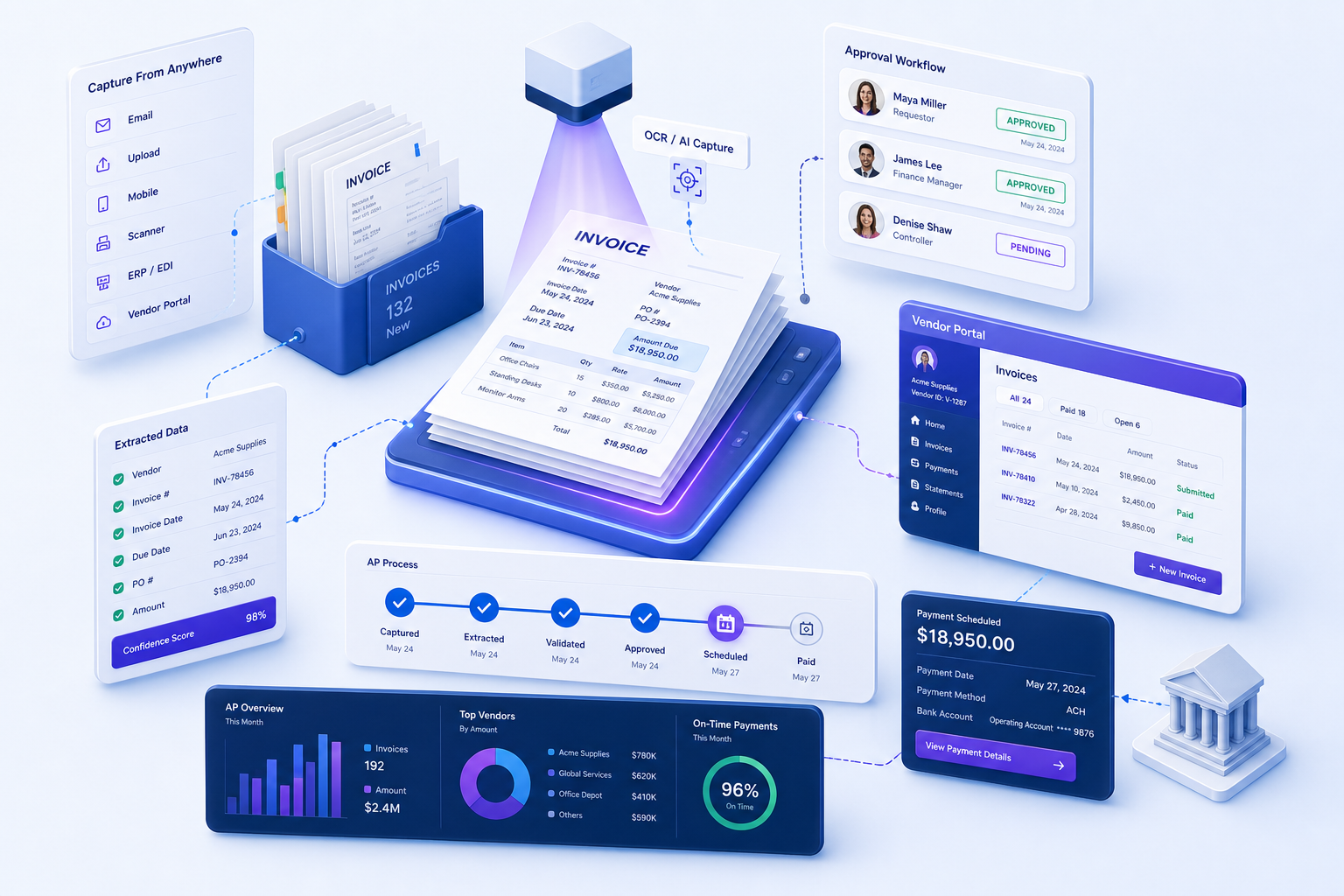
Invoice Management System
Vendor invoice intake, OCR-ready validation, multi-level approval, payments, and audit history.
Next Step
Talk to an Expert
Ready to digitize this workflow for your enterprise?
Talk with our team about scope, integrations, and a delivery plan tailored to your operations — the same rigor we apply to every enterprise case study engagement.